




Free Online Image Vectorizer
The free image to vector converter. Vectorize logos, icons, and illustrations to clean, scalable SVG — no limits, no account needed.
Drag and drop your image here
or browse files
100% Free
No hidden costs, forever
No Signup
Start converting instantly
6 Languages
EN, ES, PT, FR, DE, IT
Secure & Private
Files auto-deleted in 1 hour
How to Convert Images to SVG
Vectorize any PNG, JPG, or WebP image in three simple steps.

Upload Image
Drag and drop your PNG, JPG, or WebP image into the upload zone. Files up to 10MB are supported.
Auto-Vectorize
Our advanced algorithm traces your image and converts it into clean, scalable SVG paths automatically.
Download SVG
Preview the result and download your crisp SVG file. Ready for web, print, or any design tool.
See the Results
Real examples of PNG to SVG vector conversions



Why Choose SVGSnap
A powerful, free tool built for designers, developers, and creators.

Lightning Fast
Conversion takes seconds, not minutes. Optimized processing pipeline delivers results quickly.
Color Accurate
Supports full-color vectorization with adjustable color precision from 1 to 16 colors.
Private & Secure
Your files are processed securely and automatically deleted within 1 hour. No data is stored.

Clean SVG Output
Generates optimized SVG with clean paths, minimal file size, and proper structure.
Infinitely Scalable
SVG vectors scale to any size without losing quality. Perfect for logos, icons, and illustrations.
No Signup Required
Start converting immediately. No account creation, no email verification, no hidden costs.
Who Uses Our Free Image to Vector Converter?
From designers to makers — convert PNG to SVG free for any workflow

Web Designers
Convert PNG to SVG free for responsive websites. Scalable vector graphics load faster, look sharp on retina screens, and are fully CSS-styleable.
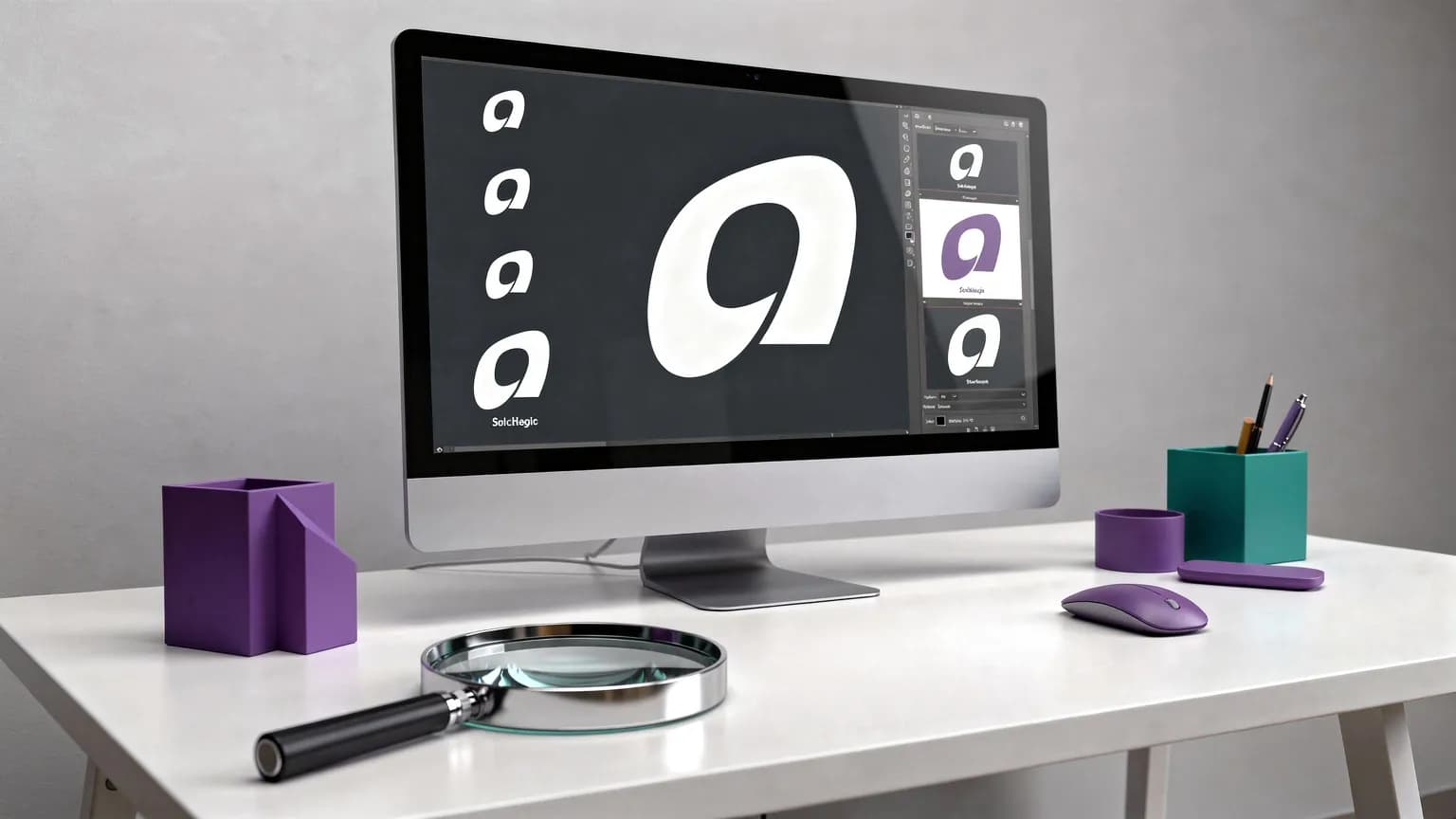
Logo Vectorization
Convert logo to SVG in seconds. Turn any PNG or JPG logo into a crisp, infinitely scalable vector — from favicon to billboard, free online.
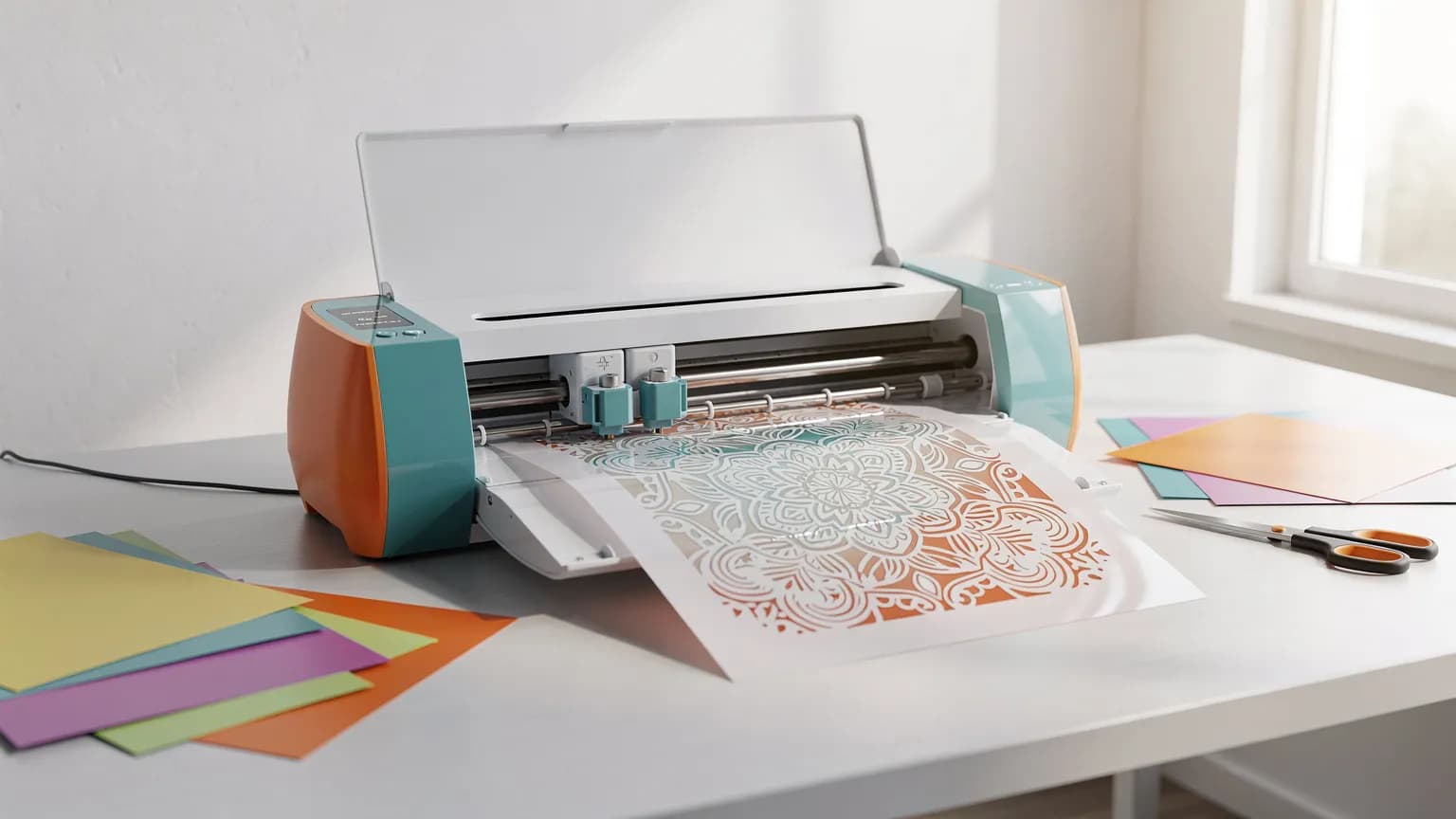
SVG for Cricut & Laser Cutting
Create free SVG files for Cricut, Silhouette, and laser cutting machines. Convert any image to clean SVG cut paths for precise results.
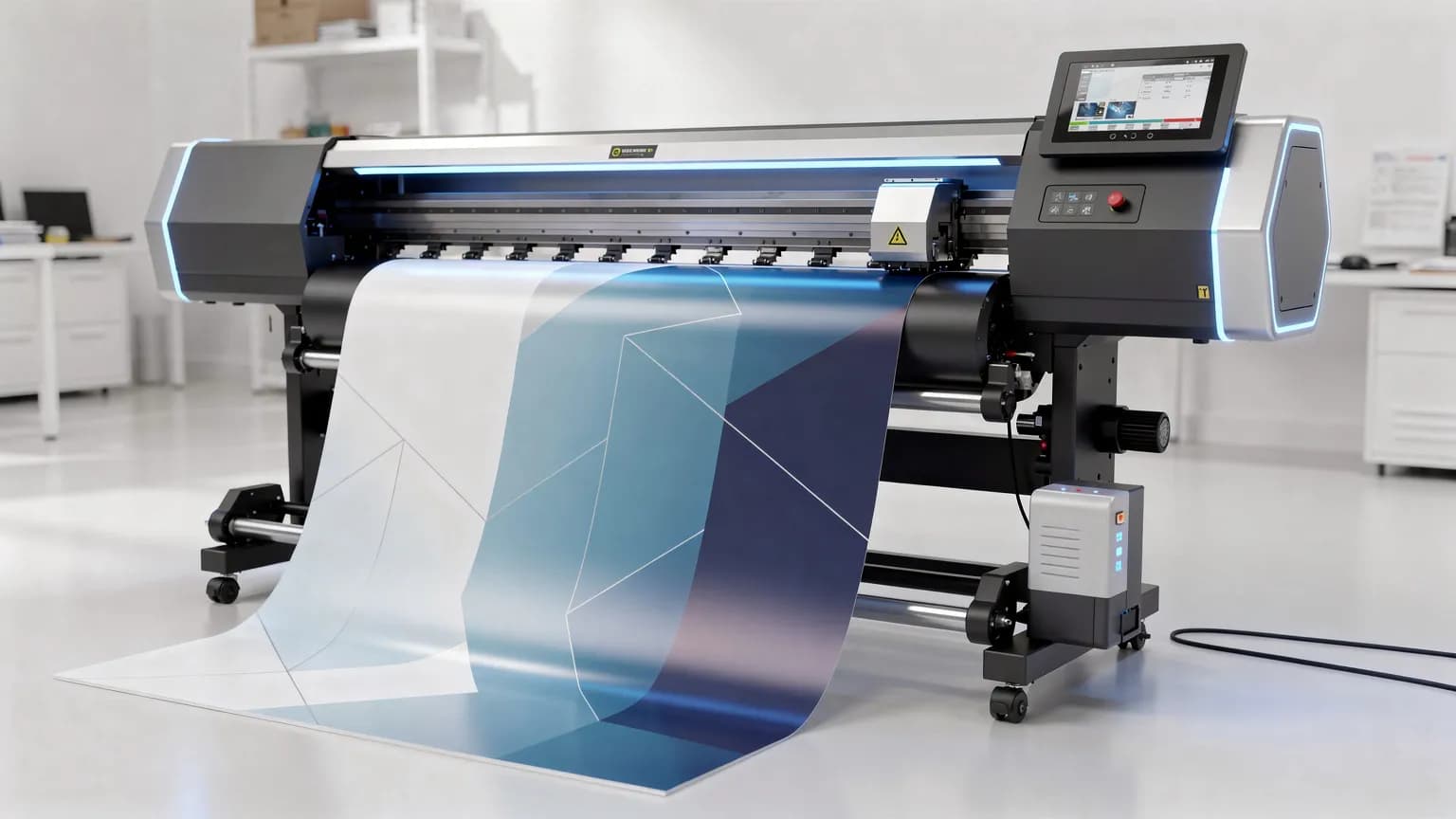
Print & Signage
Use our free raster to vector converter for large-format printing. Convert images to scalable SVG for crisp banners, posters, and signage at any size.
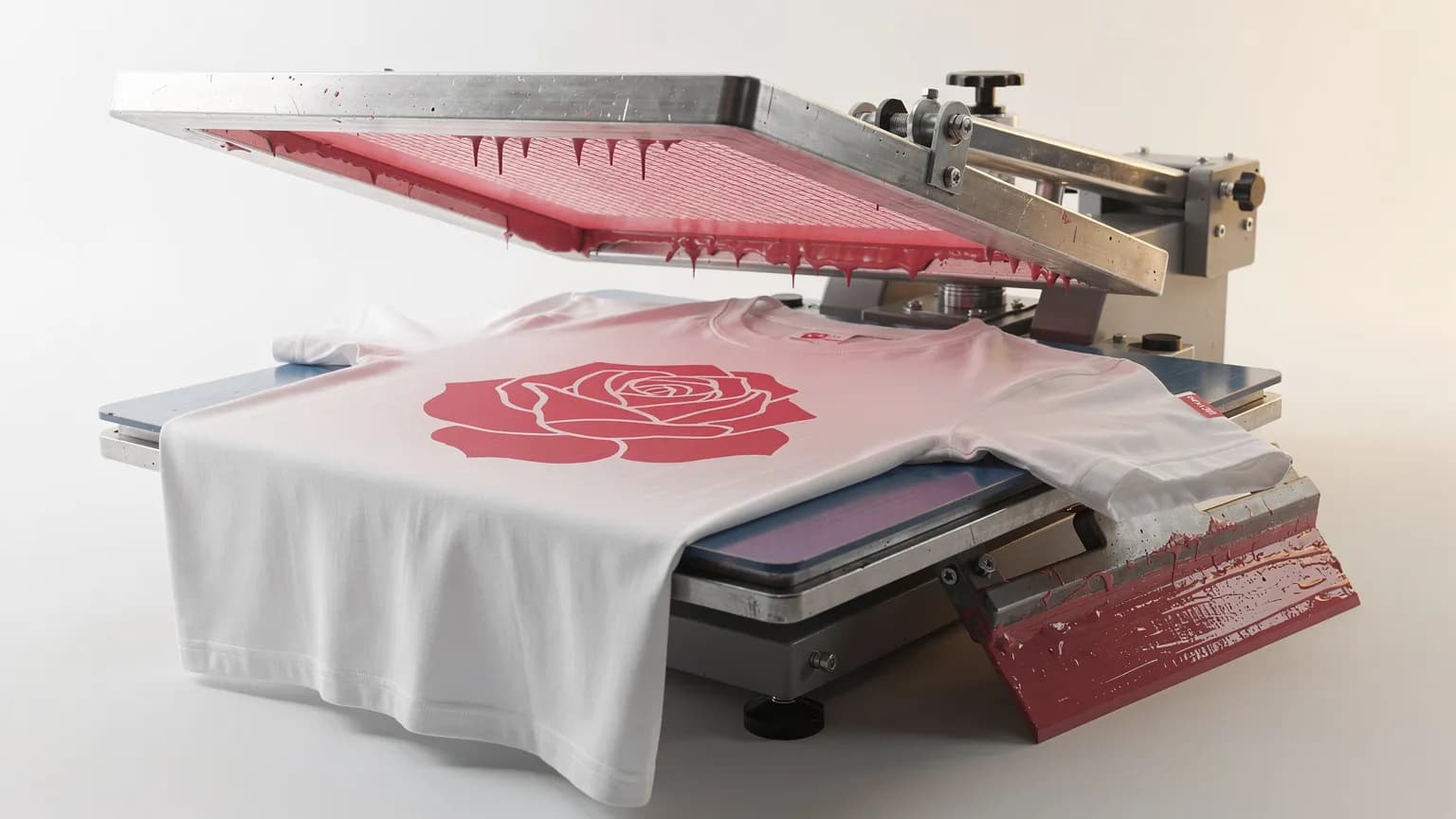
T-Shirt & Merch Design
Free SVG for embroidery, screen printing, and DTG. Vectorize your t-shirt designs to clean SVG paths for professional production-ready results.

Developers
Convert PNG to clean SVG output for inline use in code. Smaller file sizes, zero HTTP requests, fully CSS-styleable — no signup needed.
Frequently Asked Questions
Everything you need to know about free PNG to SVG conversion and image vectorization
PNG to SVG conversion, also called image vectorization, transforms raster pixel-based images into scalable vector graphics. Unlike PNG files made of fixed pixels, SVG uses mathematical paths that scale infinitely without losing quality. SVGSnap's free online converter traces your PNG, JPG, or WebP image and generates clean SVG vector paths automatically.
The PNG to SVG converter is completely free — no signup, no watermarks, no credit card. Convert as many images as you need. Some advanced features like AI upscaling may have usage limits, but the core vectorization tool is free to use.
SVGSnap accepts PNG, JPG/JPEG, and WebP image formats for conversion to SVG. Upload any of these raster formats and our converter will vectorize them into clean, scalable SVG files. Files up to 10MB are supported.
No signup or account creation is needed. SVGSnap is a free online tool you can use instantly — just drag and drop your image and download the SVG result. No email verification, no login, no registration required.
Most PNG to SVG conversions complete in 2-5 seconds. Our optimized vectorization pipeline processes images quickly, even for detailed graphics. Upload, convert, and download your SVG in under 10 seconds.
Image vectorization, or image tracing, analyzes the pixels in your raster image, detects edges and color regions, and converts them into mathematical vector paths. SVGSnap uses vtracer, an advanced Rust-based tracing engine, to generate optimized SVG output with clean paths and minimal file size.
PNG is a raster format made of fixed pixels — it pixelates when scaled up. SVG is a vector format using mathematical paths that scales infinitely while staying sharp. SVG files are typically smaller for graphics like logos and icons, support CSS styling, and can be animated. For logos, icons, and illustrations, SVG is the superior format.
SVGSnap accepts images up to 10MB in size. This covers most PNG, JPG, and WebP files you'd want to vectorize. For best results with our free image to vector converter, use source images with clear edges and distinct colors.
Start Converting — It's Free
Free PNG to SVG converter. No signup. No watermark. Start converting now.