Which vectorizer engine should you use? A guide to all four SVGSnap modes
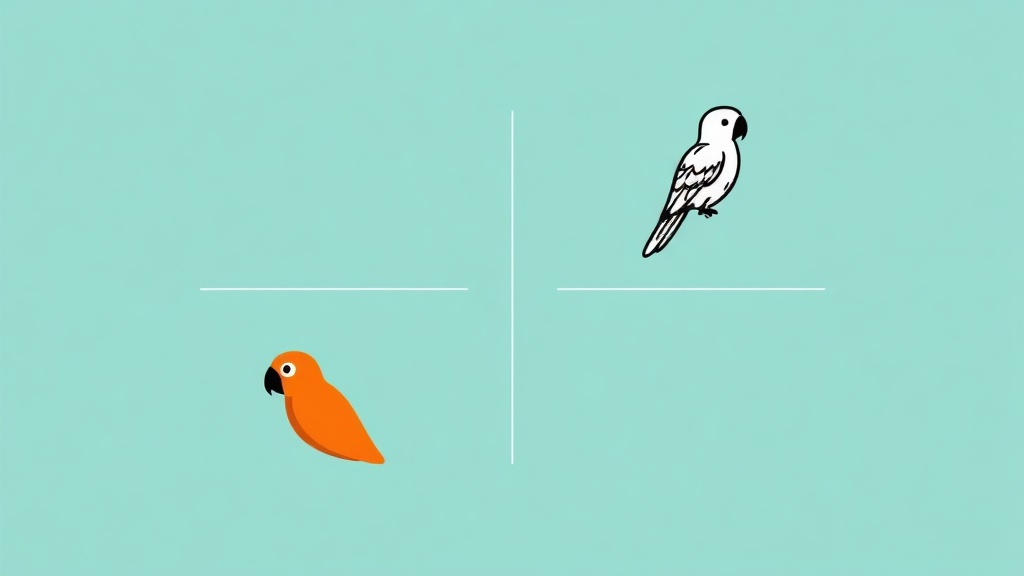
Trace, sketch, strokes, or pixel: SVGSnap has four vectorizer engines, each tuned for a different kind of image. Here is how to pick the right one.
Tips, tutorials, and updates about image vectorization and SVG optimization.

A friend asked me how to turn her tattoo flash sketches into clean vectors. Here is the workflow I gave her: how to scan a drawing properly, which SVGSnap settings actually work for line art, and what to do when your source is too small to trace cleanly.

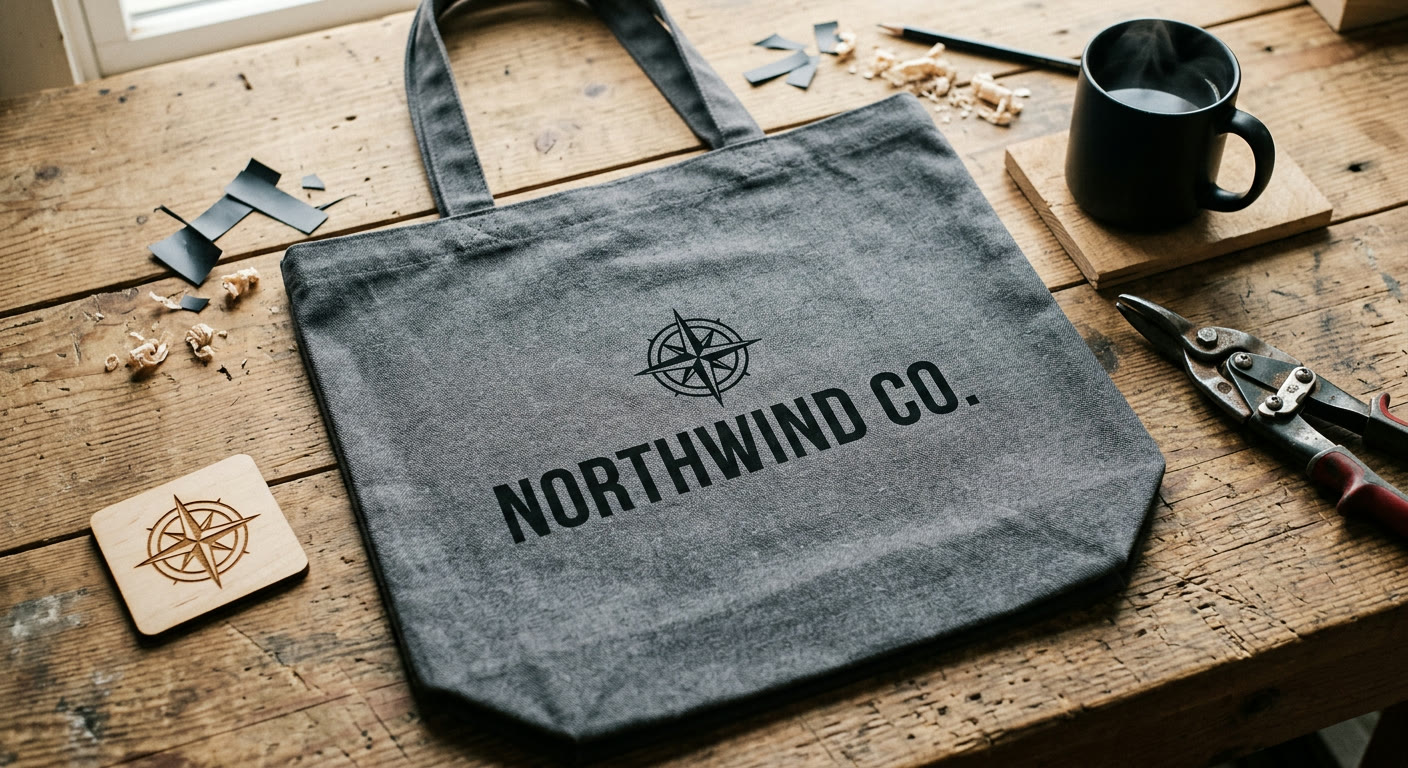
Turning a PNG logo into a clean SVG takes about a minute if you know which settings to adjust. A practical guide for getting vectors that actually print, embroider and laser-cut cleanly, without paying for Vector Magic or opening Illustrator.

Quick walkthrough on converting PNG, JPG, or WebP images to clean SVG vectors using SVGSnap. No signup, no software, takes about 10 seconds.

Learn how to convert PNG and JPG images to scalable SVG vector files for free. This step-by-step guide covers vectorization techniques, best practices, and when to use SVG over raster formats.